Databricks CLI Step by Step - Part 2 - Workspace commands
 Stefan Koch
 Im 2. Teil meiner Blog-Serie zum Thema Databricks CLI behandle ich die Workspace Commandos.
Inhalt der Blogseries
Nachfolgend aufgelistet die jeweiligen Blogbeiträge mit einer kurzen Beschreibung.
- Authentication Methods with Databricks CLI on Azure Databricks - Step by Step
- Databricks CLI Step by Step - Part 1 - The basics
Intro Part 2 - Workspace commands
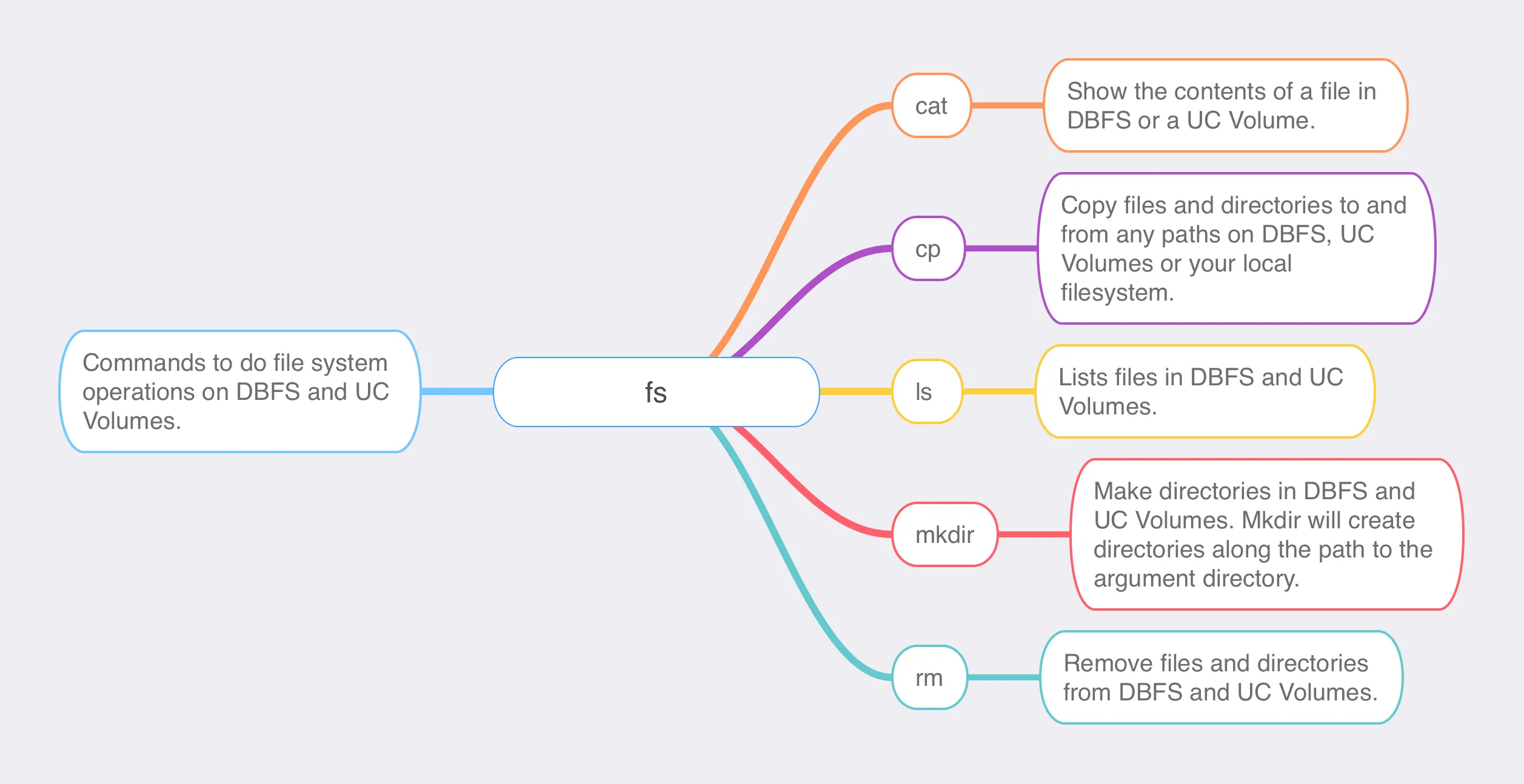
fs group
 https://learn.microsoft.com/en-us/azure/databricks/dev-tools/cli/fs-commands
Usage:
databricks fs [command]View help:
databricks fs -hAvailable Commands:
  cat         Show file content.
  cp          Copy files and directories.
  ls          Lists files.
  mkdir       Make directories.
  rm          Remove files and directories.
fs commands require volume paths to begin with dbfs:/Volumes and require directory and file paths in DBFS to begin with dbfs:/.
ls
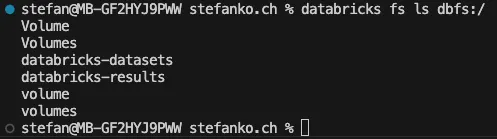
list root of dbfs
databricks fs ls dbfs:/Result:
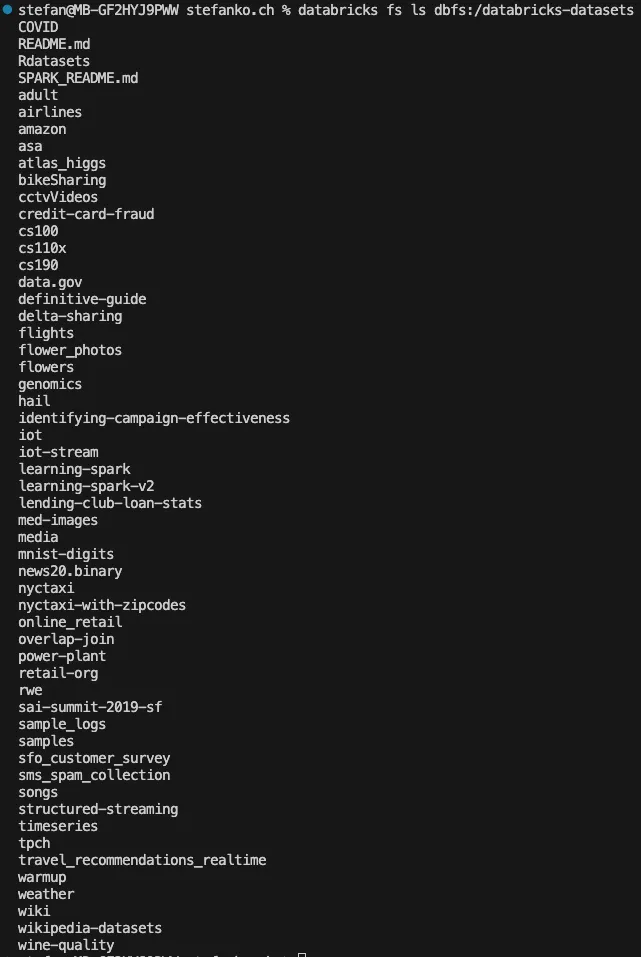
list Databricks datasets
databricks fs ls dbfs:/databricks-datasetsResult:
list files in a volume
Damit man die Files in einem Volume auflisten kann, muss man im Pfad den Catalog, Schema und das entsprechende Volume auflisten. Der Befehel setzt sich wie folgt zusammen:
databricks fs ls dbfs:/Volumes/<CATALOG>/<SCHEMA>/<VOLUME-NAME>Als Beispiel habe ich im Catalog “main” ein Schema “test” und darin ein Volume “test_volume”:
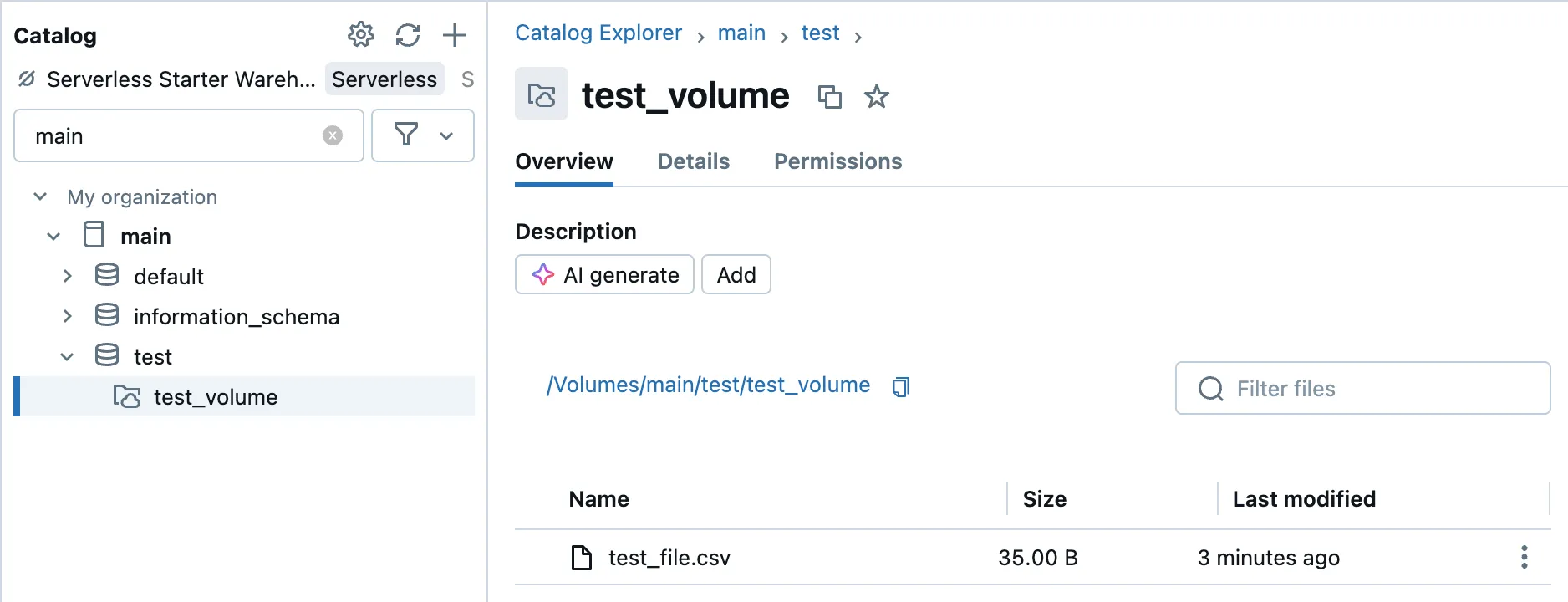
databricks fs ls dbfs:/Volumes/main/test/test_volumeResultat:

git-credentials group
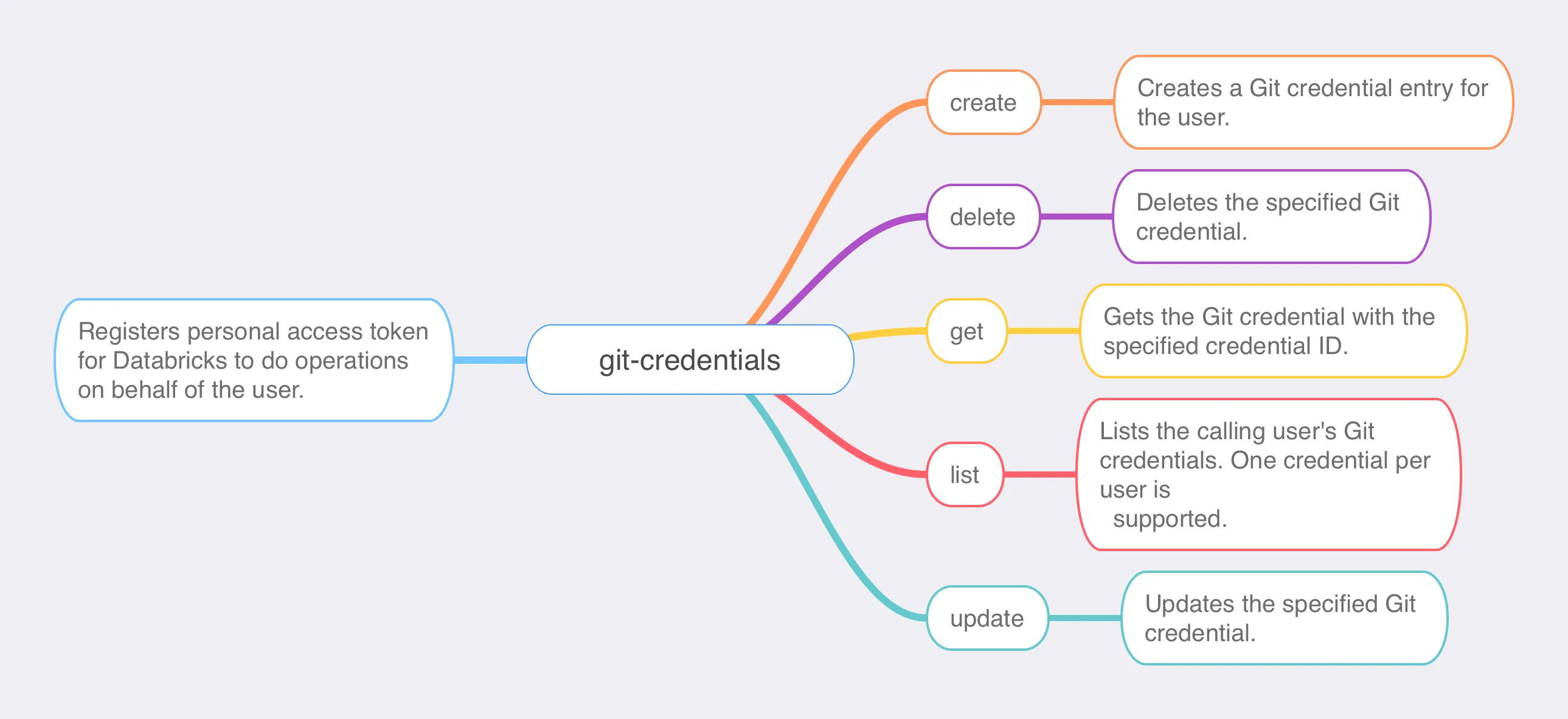
Usage:
databricks git-credentials [command]View help:
databricks git-credentials -hAvailable Commands:
create      Create a credential entry.
delete      Delete a credential.
get         Get a credential entry.
list        Get Git credentials.
update      Update a credential.
repos group
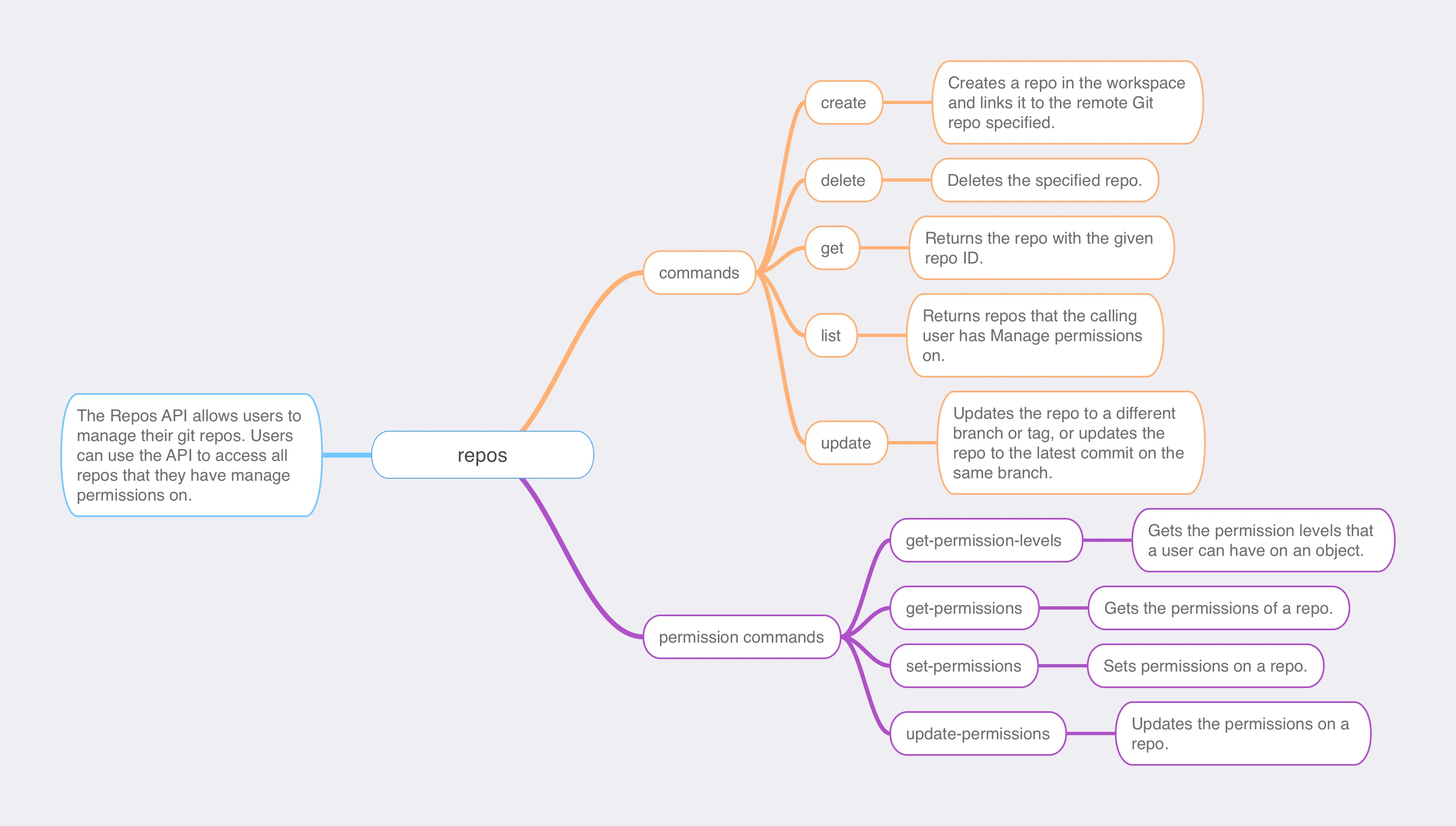 Usage:
databricks repos [command]View help:
databricks repos -hAvailable Commands:
create                Create a repo.
delete                Delete a repo.
get                   Get a repo.
list                  Get repos.
update                Update a repo.
Permission Commands:
get-permission-levels Get repo permission levels.
get-permissions       Get repo permissions.
set-permissions       Set repo permissions.
update-permissions    Update repo permissions.
secrets group
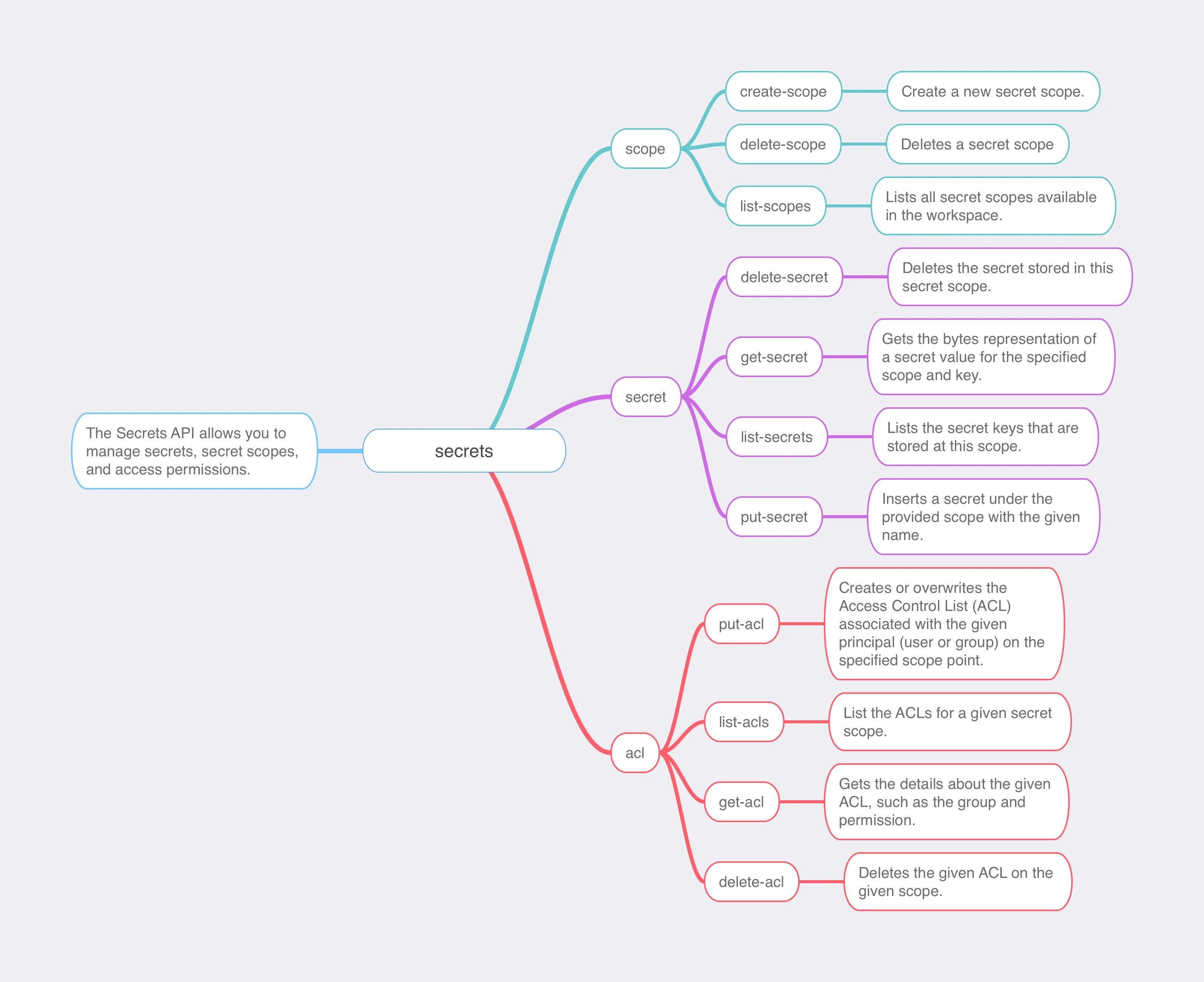 Usage:
View help:
Available Commands:
workspace group
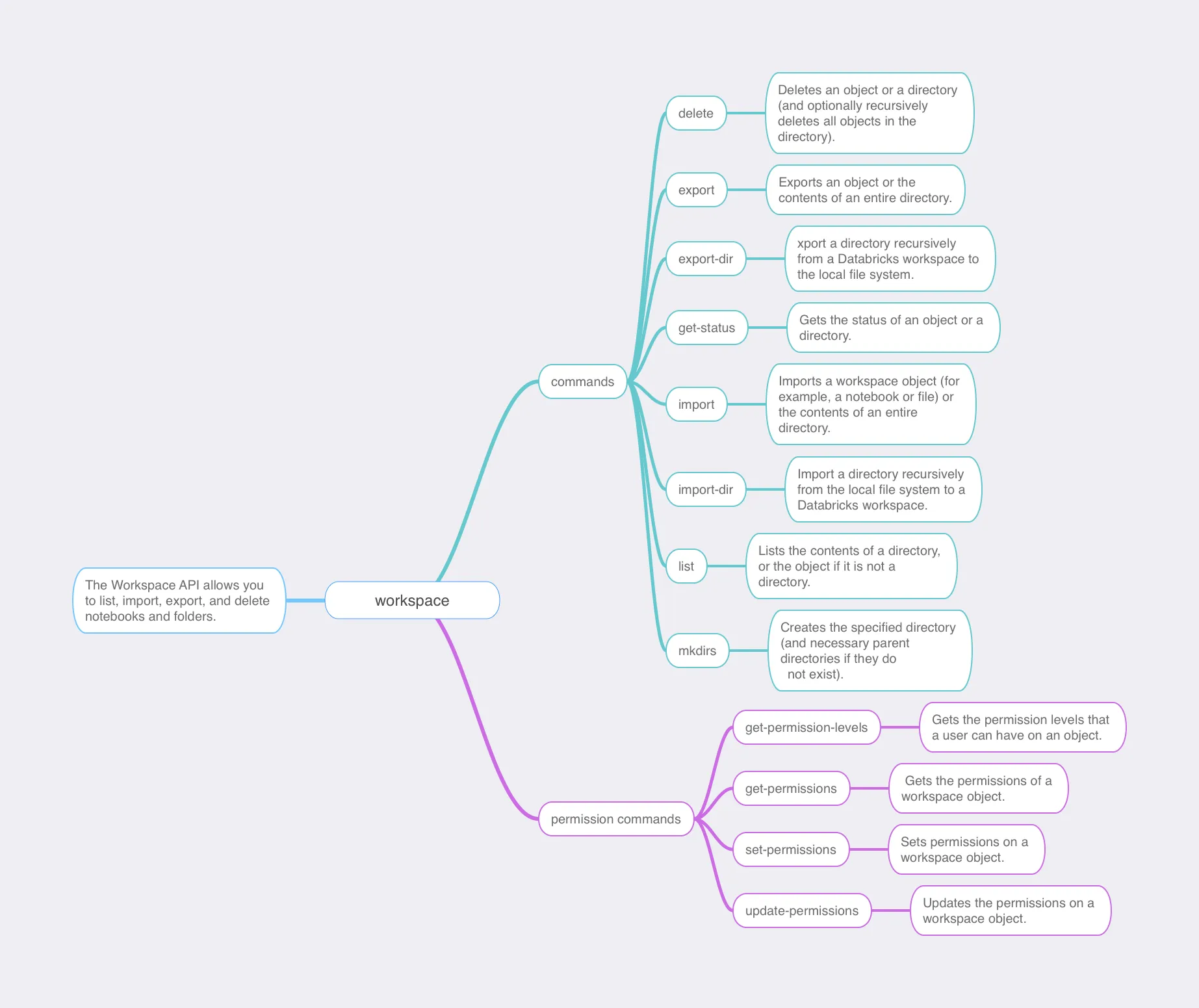 Usage:
View help:
Available Commands:
Related Articles
Databricks CLI Step by Step - Part 1 - The basics
In the upcoming blog series, I will highlight different areas of the Databricks CLI with various practical examples.
Authentication Methods with Databricks CLI on Azure Databricks - Step by Step
I will show you different methods to authenticate with the Databricks CLI to Azure Databricks in this quick guide.
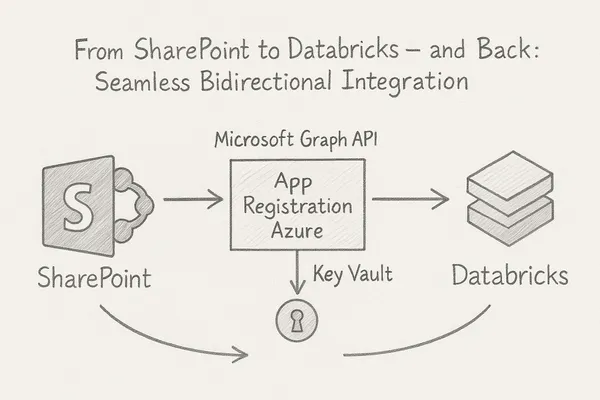
From SharePoint to Databricks – and Back: Seamless Bidirectional Integration
In modern data workflows, it’s essential to collect data where it originates and deliver it to where it’s needed. In this blog post, I’ll show how to connect **SharePoint directly with Databricks** –
Comments
Comments are powered by giscus. You need a GitHub account to comment.